

Modules: full specification
The overview page introduces six modules in one sentence each. Here, each module's content is detailed, along with the two platform-level capabilities (notifications and permissions, statistics and reports) and the six representative site types.
- 1. WMS: warehouse management
- 2. Production and MES
- 3. QMS: quality management
- 4. CMMS: maintenance
- 5. Fleet and equipment
- 6. Orders and inter-site movement
- 7. Notifications and permissions (platform-level capability)
- 8. Statistics and reports (platform-level capability)
- 9. Site types and their processes
WMS: warehouse management
WMS ties physical warehouse movement (receiving, put-away, dispatch) and scale data into one database, with slot-level accuracy.
Production and MES
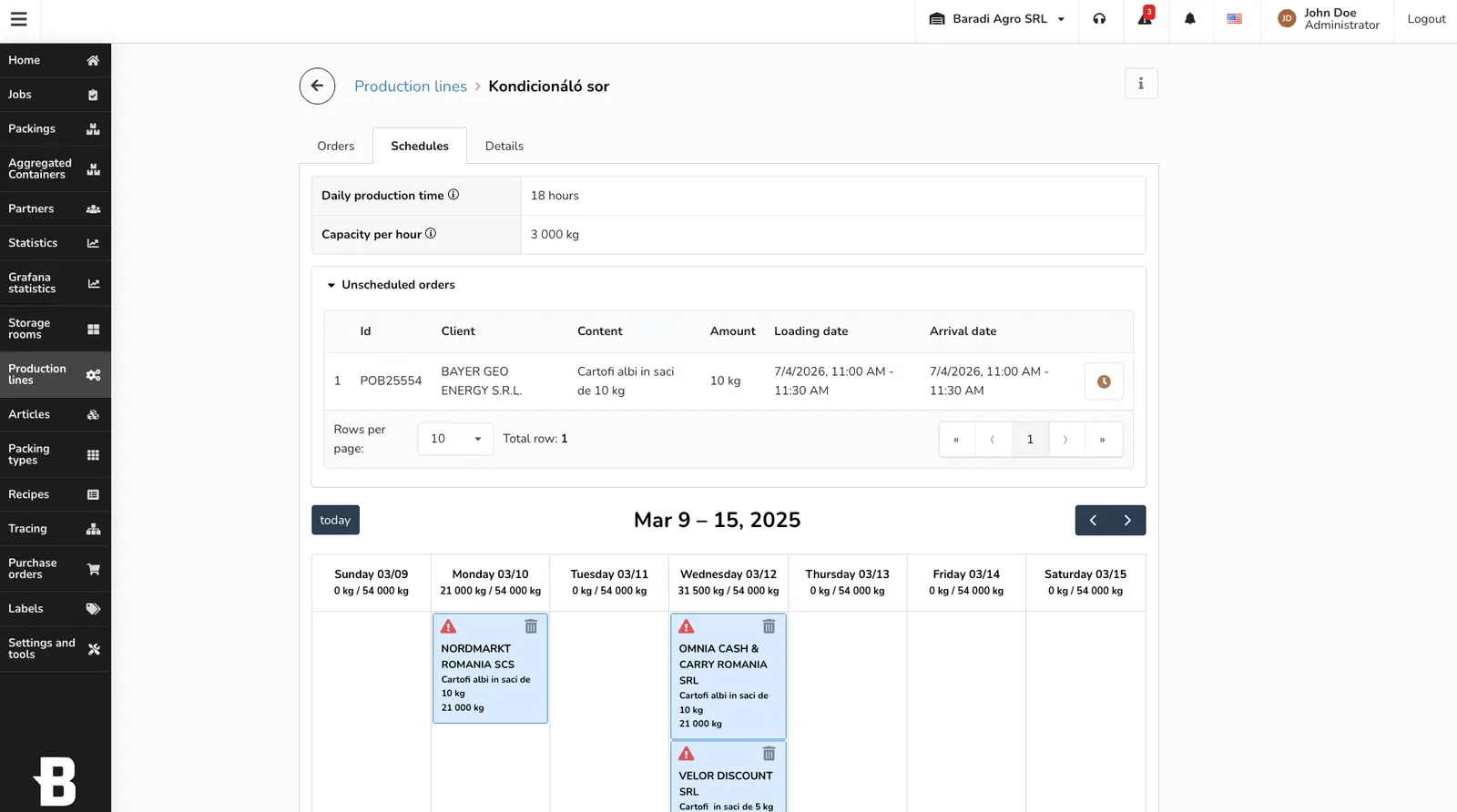
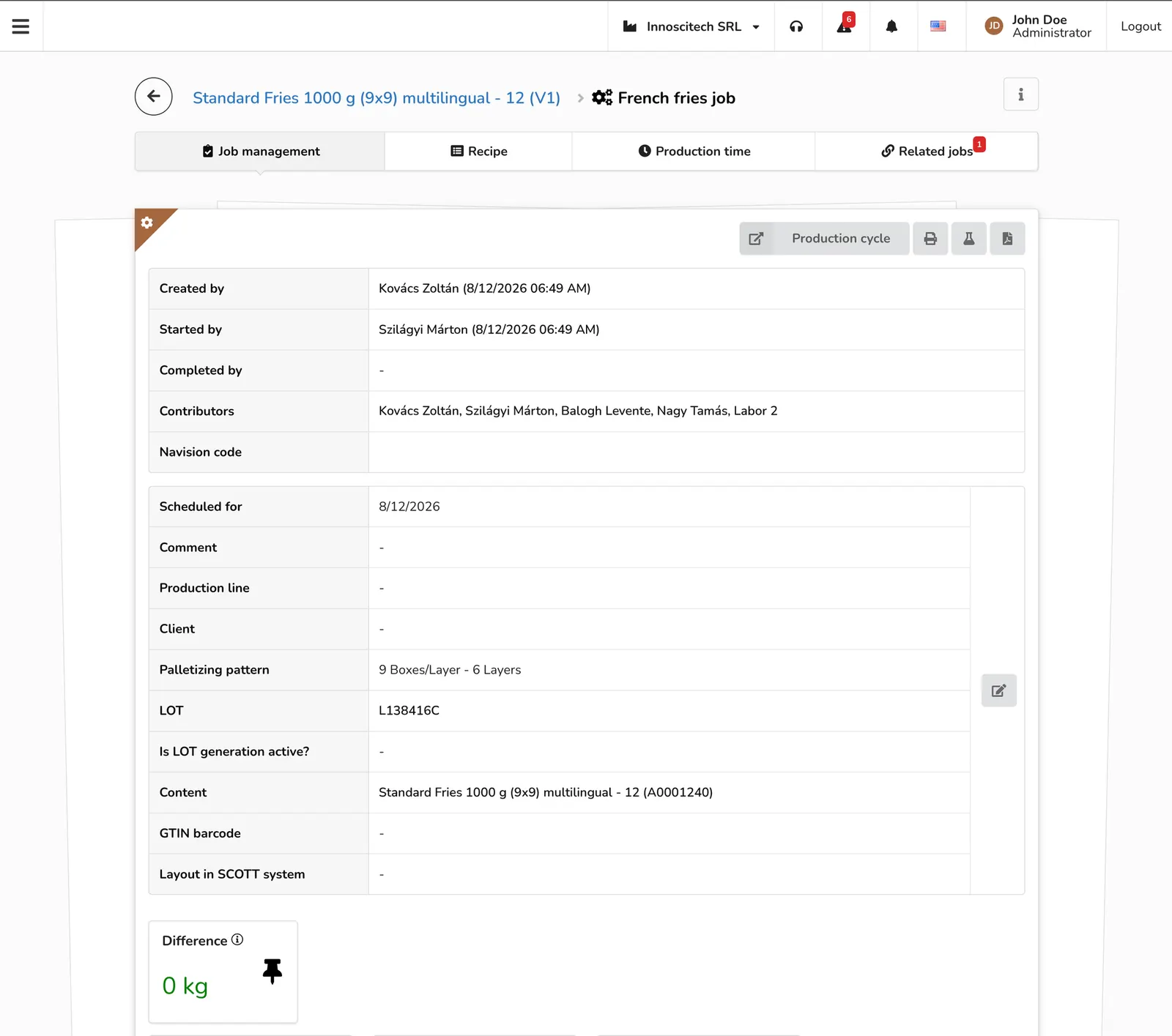
The module manages the production process from planning to shift changeover, and pauses a job automatically on a sensor fault.
QMS: quality management
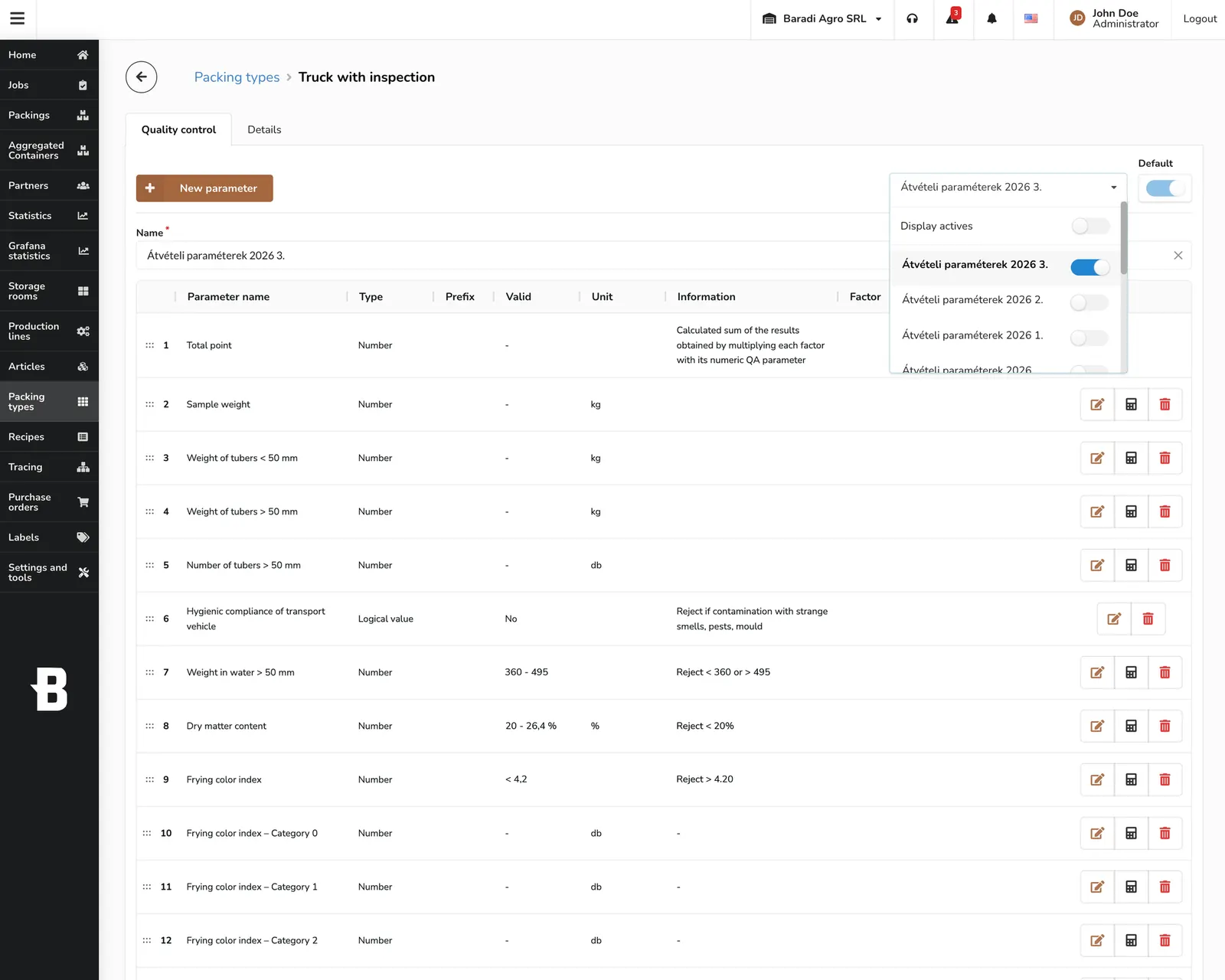
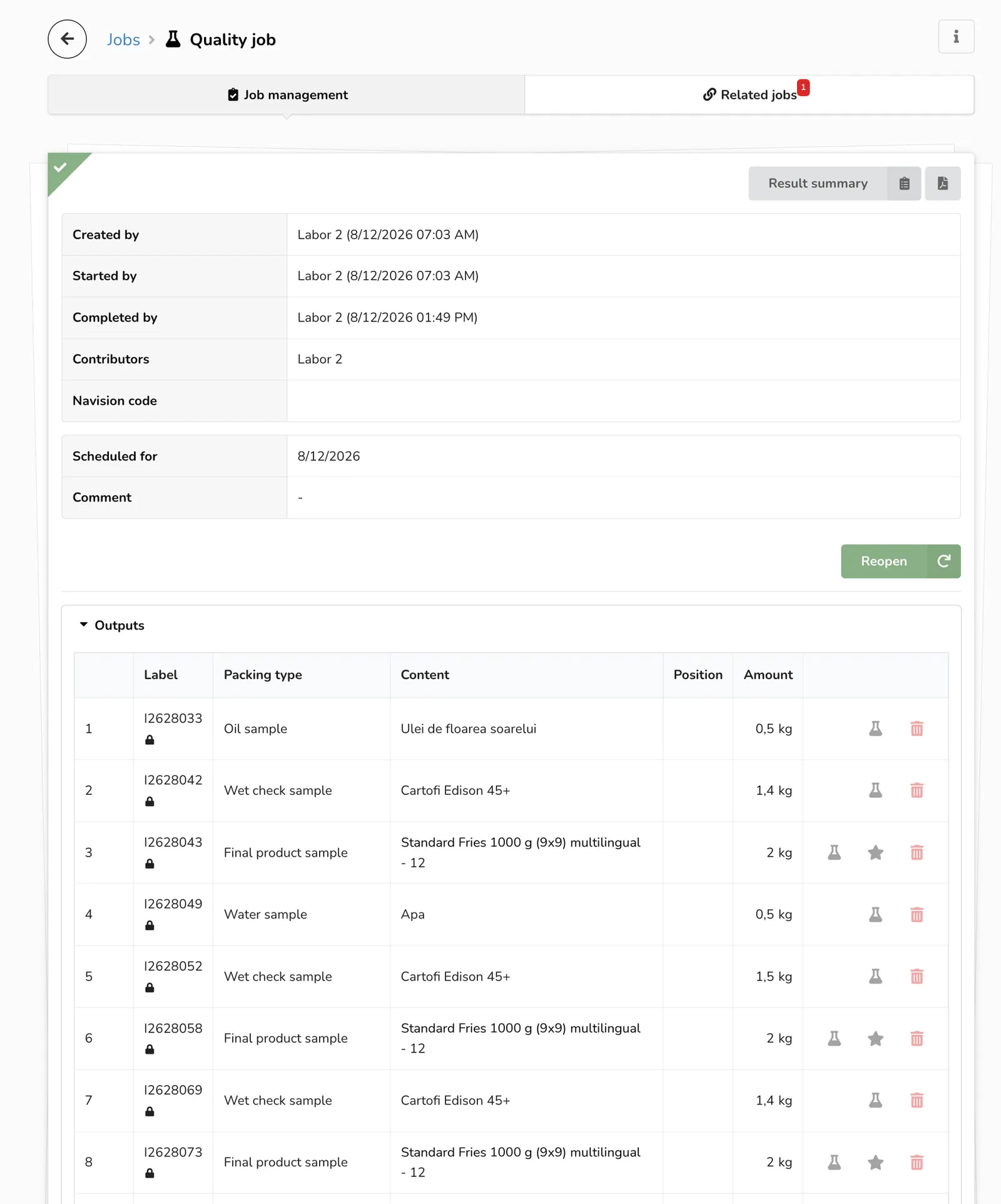
Every quality event carries a versioned parameter, a certificate and a release decision, from quarantine to rejection.
CMMS: maintenance
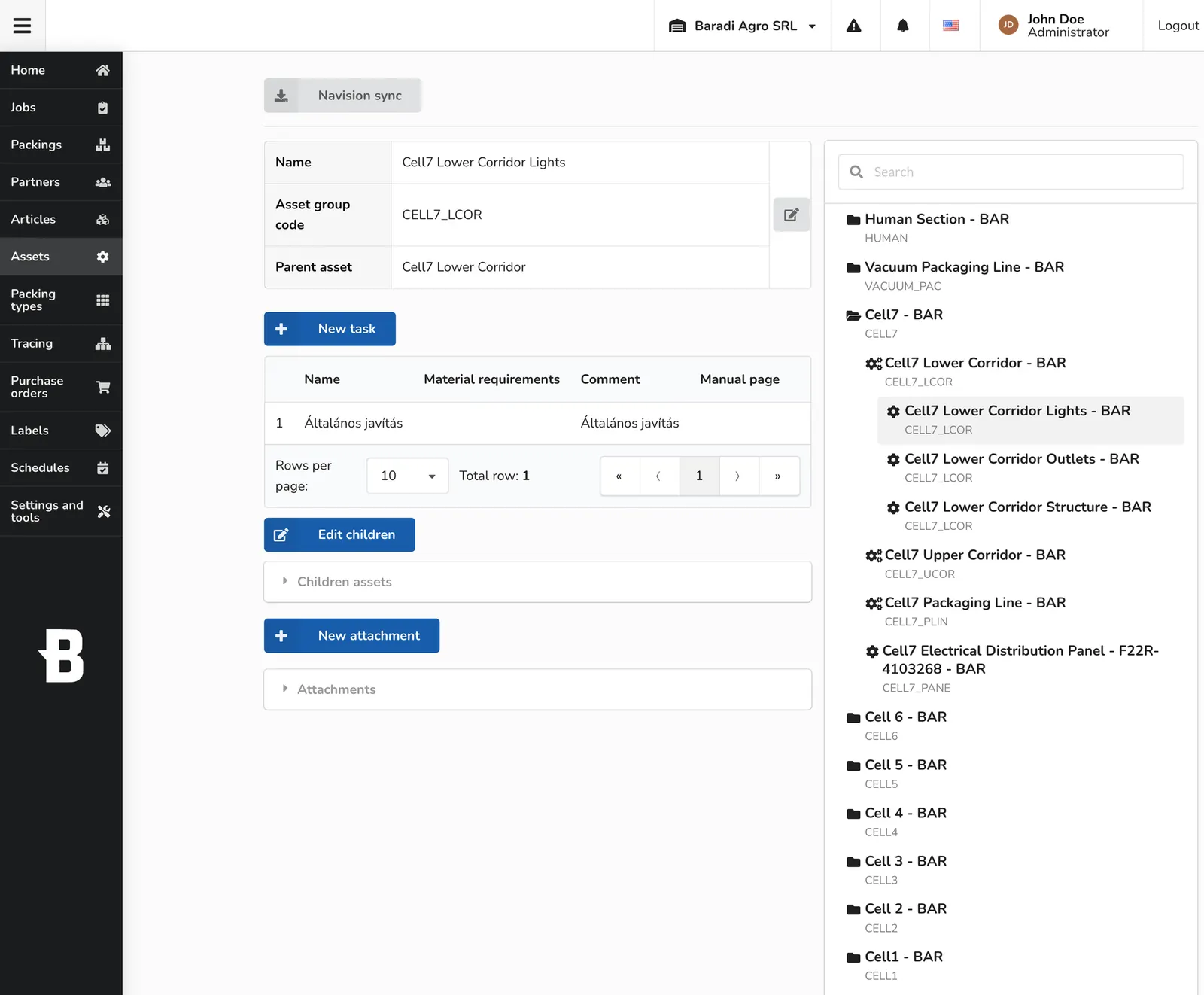
The asset hierarchy stays synced with Navision master data, and maintenance tasks are generated from templates, complete with parts and resource booking.
Fleet and equipment
Every vehicle and piece of equipment lives in one record, from issue to return, with document-expiry tracking.
Orders and inter-site movement
A sales, production or purchase order automatically creates the matching dispatch and receiving job at the other site.
Notifications and permissions
This is not a separate module but a platform-level capability: events from all six modules become real-time notifications, targeted by site and role.
Statistics and reports
The other platform-level capability: reporting is generated in one place from the data of all six modules, including the statistics filed with regulators.
Site types and their processes
The same system runs with a different combination of modules, depending on what a given site produces, stores or dries.
| Type | Input | Processing | Output | Modules |
|---|---|---|---|---|
| Potato warehouse, 3D-cell storage | Potatoes, weighed | 3D-cell put-away and slotting | Dispatch | WMS |
| Flake factory | Potatoes | Processing into flake product | Finished product, packaged | WMS, Production and MES |
| French-fry factory | Raw potatoes | Continuous processing, OPC UA palletizing | Frozen french fries | WMS, Production and MES |
| Freeze-drying plant | Processed raw material | Freezing, tray loading, freeze-drying, packaging | Packaged product | Production and MES, QMS |
| Milk powder and infant-formula plant | Raw milk | Pasteurization, wet mixing, evaporation, spray drying | Milk powder, released from quarantine | WMS, Production and MES, QMS |
| Maintenance only | none (non-production site) | Preventive and corrective maintenance jobs, PPE issue, parts, resource booking | none | CMMS |
Let's build one for your plant too
If building a system like this for your plant is something you are considering, this email address is where to start. There is no form: one sentence about what you want to solve is enough.
Email us